No items found.
Modumate: UI/UX for Prefab Configurators
Marketing
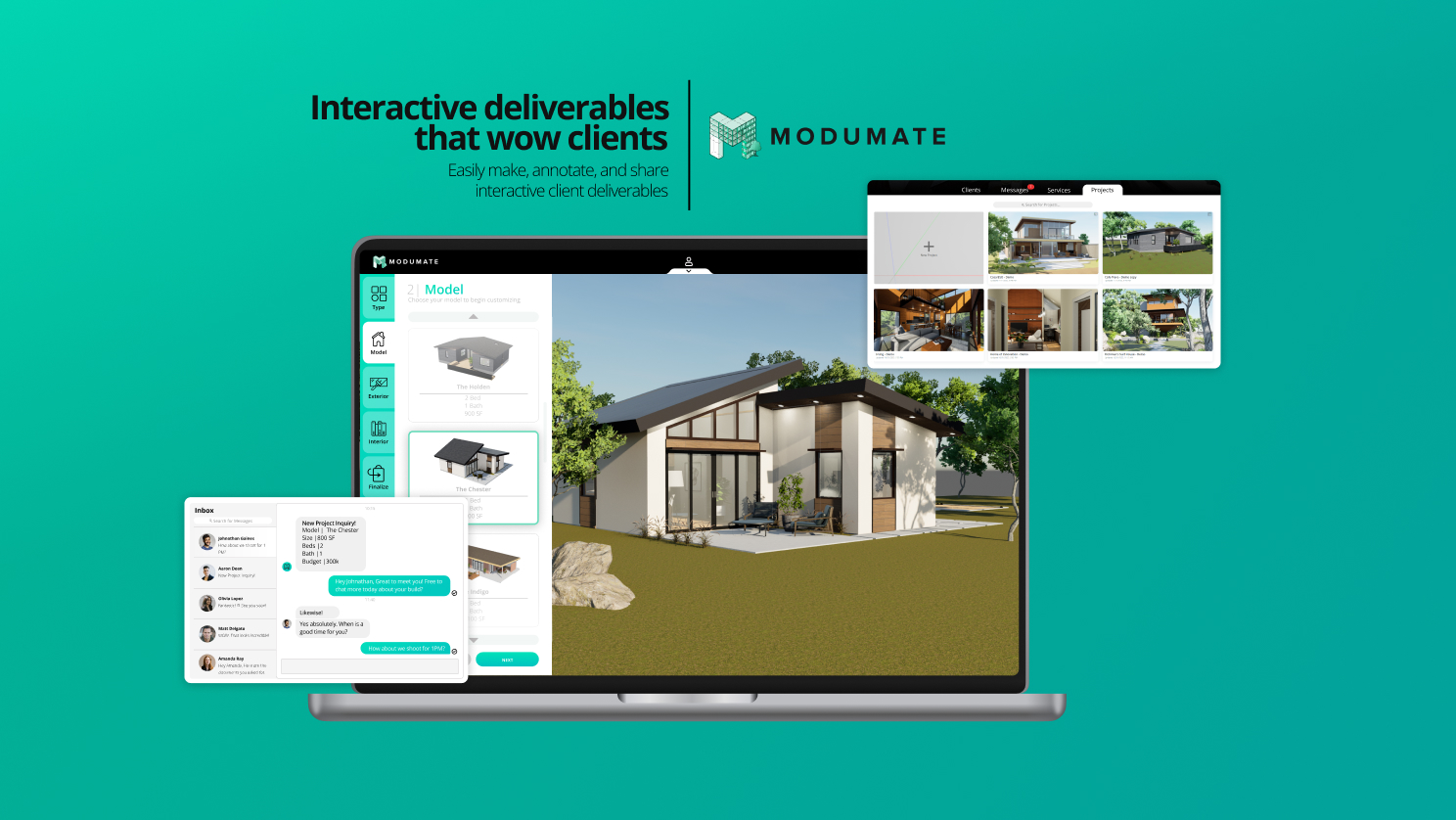
Driving Go-To-Market Adoption
Enterprise 3D design software is notoriously steep in its learning curve. When I joined the team to focus on growth and GTM, the challenge wasn't just generating leads—it was ensuring early adopters could actually navigate the platform's complex capabilities without abandoning ship. I designed and executed a brand-new marketing funnel to capture qualified customers, but instead of just handing them off, I personally conducted hundreds of 1-on-1 workflow demonstrations and onboarding sessions. By acting as the frontline for our GTM strategy, I was able to gather massive amounts of qualitative behavioral data on exactly how users naturally wanted to interact with highly technical tools.
Designing Intuitive UI Workflows
To solve the friction I uncovered during my GTM research, I spearheaded the product design for a brand-new Modumate interface: a pre-fab configurator for small homes and ADUs (Accessory Dwelling Units). Instead of forcing new users to learn complex 3D modeling from scratch, I designed a streamlined UI that allowed them to intuitively customize spatial layouts and finishes. This required translating a massive amount of complex, backend parametric data into a simple, accessible front-end experience. For a UX/UI Researcher working with AI, the challenge is identical: you must hide the immense complexity of the underlying engine behind an interface that feels entirely natural, accessible, and empowering to the end user.